What Are Modern Fax Services?
Defining Fax Services Today
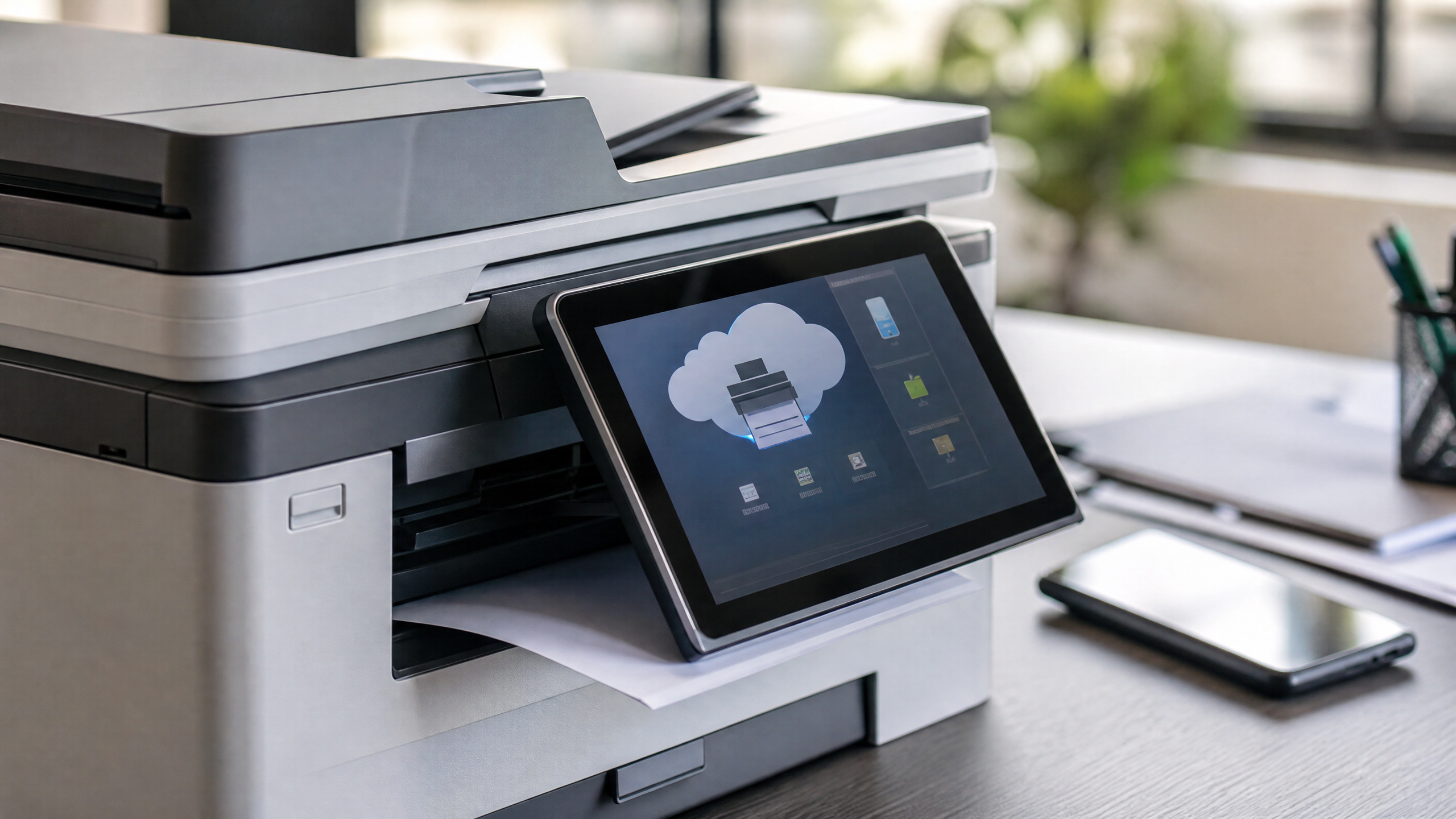
Fax never died — it evolved. What once required a dedicated machine, a phone line, and a steady supply of thermal paper now runs entirely through software hosted in the cloud. Modern fax services transmit documents over the internet rather than traditional phone infrastructure, eliminating the hardware overhead that made legacy fax such a burden for growing businesses.
From Machines to Software
The shift happened gradually, then all at once. Early internet fax adapters bridged analog machines to digital networks. Today, purpose-built platforms handle everything: document conversion, transmission, delivery confirmation, and archiving — without a single physical device in the loop.
Key Terminology
A few terms appear interchangeably in vendor marketing, so it helps to understand what each one actually means. An internet fax service or digital fax service is a cloud-hosted platform accessible through a web browser or mobile app. Virtual fax service emphasizes device-agnostic access — any device, anywhere. Cloud fax or cloud fax service highlights the hosted infrastructure behind the scenes, where documents move through and are stored in secure data centers. Web fax typically refers to the browser-based portal a user logs into to send and receive. The underlying technology is largely the same; the distinctions are mostly about emphasis.
How Fax Over the Internet Works
Core Workflow
Sending a fax via internet is straightforward. A user uploads a document to a web portal, attaches it to an email addressed to a fax number (e.g., 8005551234@provider.com), or triggers a send through an API. The platform converts the file to the appropriate fax format and delivers it — either to a recipient's PSTN fax line or to another cloud endpoint — with a confirmation receipt generated automatically.
Inbound faxes follow the reverse path. The service routes them to the recipient's email inbox, a web fax inbox, or a mobile app, typically as a PDF with timestamp metadata attached. No printing required.
Transmission Methods
Most platforms support three transmission paths: email-to-fax, portal-based sending, and API-driven automation. The API path is particularly valuable for organizations that need to send fax over internet at scale from business systems like EHRs, CRMs, or ERPs. A hospital, for example, can automate prior authorization faxes directly from its patient management system without any manual steps.
Security Basics
A credible cloud fax service encrypts documents both in transit (TLS) and at rest (AES-256). Access controls and multi-factor authentication prevent unauthorized retrieval. Audit logs capture every send, receive, view, and download event — critical for regulated industries that need to demonstrate chain of custody for sensitive documents.
Cloud Fax vs Virtual Fax vs Digital Fax
Similarities
All three describe fax delivered online, without on-premises hardware. Providers under any of these labels let organizations send and receive documents digitally, store them in the cloud, and manage everything from a browser or app.
Differences
The distinctions are nuanced but useful. Cloud fax service puts the emphasis on hosted infrastructure, uptime SLAs, and scalability — it's the term most commonly used by enterprise-grade providers. Virtual fax highlights flexibility and mobility; the focus is on device-agnostic access for users who aren't tied to a desk. Digital fax service leans into the paperless angle, centering the conversation on document workflows and compliance rather than infrastructure.
Most internet fax service offerings bundle all three capabilities — email-to-fax, web fax portals, and developer APIs — across different plan tiers.
When to Choose Each
High-volume environments with strict uptime requirements are best served by a cloud fax service with a documented reliability SLA. Remote or hybrid teams that need flexibility without complex setup benefit most from a virtual fax service model. Organizations prioritizing end-to-end paperless compliance — legal firms, healthcare networks, financial institutions — often find digital fax framing most aligned with their governance goals.
Key Features to Look For in an Internet Fax Service
Reliability and Scale
Deliverability rate is the metric that matters most. Look for providers that publish their success rates and offer global coverage, number porting for existing fax numbers, and the ability to provision dedicated inbound numbers. Concurrency capacity — how many faxes the service can send simultaneously — matters significantly if your organization processes hundreds of documents per hour.
Security and Compliance
At minimum, the platform should offer TLS encryption in transit, AES encryption at rest, SSO and MFA support, role-based access controls, and detailed audit trails. For regulated sectors, compliance certifications are non-negotiable: HIPAA for healthcare, SOC 2 for SaaS security assurance, GDPR for European data subjects, and regional data residency options if your industry requires documents to stay within specific geographic boundaries.
Integrations and Usability
An internet fax service that sits in isolation adds friction rather than removing it. Strong platforms integrate with email clients, EHR/EMR systems, CRM platforms, and cloud storage services like SharePoint or Google Drive. Fax APIs open the door to full workflow automation. On the pricing side, look for transparent models — per-page, metered, or pooled plans — so you can forecast costs accurately without surprise overages.
Common Use Cases for Web, Virtual, and Cloud Fax
Regulated Industries
Healthcare organizations rely heavily on HIPAA-enabled digital fax for referrals, prior authorizations, lab results, and discharge summaries. The fax format remains legally recognized in many clinical workflows, and a compliant cloud fax service lets providers digitize those workflows without abandoning the legal standard.
Legal and financial services firms use internet fax service for signed agreements, regulatory filings, and secure document exchange with counterparties who still operate on traditional fax infrastructure. The paper trail matters; the paper itself does not.
Operational Workflows
Manufacturing, logistics, and government agencies often need to reach trading partners and suppliers still running PSTN fax machines. Fax via internet bridges that gap — the sender works entirely in a modern cloud environment while the recipient receives a conventional fax transmission.
Remote and Hybrid Teams
A virtual fax service solves a real operational problem for distributed teams: how do you manage inbound faxes when there's no central office to route them through? Shared inboxes, role-based routing, and mobile access mean a document sent to a company fax number lands directly with the right person, regardless of where they're working.
How to Choose and Set Up Fax via Internet
Evaluate Providers
Start by defining your requirements: monthly volume, peak concurrency, compliance obligations, and the regions where you operate. Use those parameters to shortlist cloud fax providers with documented capabilities in each area. A vendor that excels for a small law firm may not scale for a regional hospital network.
Implementation Steps
Run a trial before committing. Validate deliverability rates, document image quality, API response times, and inbound routing accuracy under realistic conditions. Once you've selected a provider, port existing fax numbers or provision new ones, configure cover sheet templates and branding, and set document retention policies aligned with your compliance requirements.
Change Management
Integrate the service with email clients and business applications, configure access controls by role, and test the full workflow end-to-end before go-live. User training is often underestimated — staff need to understand secure handling practices for digital fax, not just how to click send.
Costs, Compliance, and Best Practices
Budgeting and TCO
The real cost of a cloud fax service goes beyond the monthly subscription. Factor in page overage fees, storage costs, API call volumes, and premium support tiers when estimating total cost of ownership. Organizations that migrate from physical fax machines should also account for hardware disposal, maintenance savings, and the productivity gains from automated workflows.
Governance and Audits
Apply retention schedules to automatically archive or purge faxes per policy. Watermarking and tamper-evident logging strengthen document integrity for audit purposes. Review your provider's SLAs and security attestations — SOC 2 reports, HIPAA BAAs, penetration test summaries — at least annually.
Optimization Tips
Monitor deliverability analytics to catch failure patterns early. Configure resend logic for failed transmissions and set fallback routes for high-priority documents. Keep user permissions current as teams change, and periodically reassess your plan tier against actual usage to avoid paying for capacity you don't need.