Fax isn't dead — it's just moved to your inbox. Businesses in healthcare, legal, real estate, and finance still rely on fax for document exchange, and email-based fax services have made the whole process faster, cheaper, and far less dependent on aging hardware.
What Are Email-Based Fax Services
An email-based fax service lets you send and receive faxes using nothing more than your existing email account. No physical machine, no dedicated phone line, no toner cartridges.
The two core functions are straightforward. An email to fax service takes your outgoing email — along with any attached documents — and converts everything into a standard fax transmission that reaches any fax number in the world. Fax to email works in reverse: incoming faxes are captured by your provider and forwarded to your inbox as PDFs or image files, complete with timestamps.
The practical benefits stack up quickly. Costs drop because you eliminate hardware maintenance and per-minute phone charges. Remote teams can send and receive documents from any location. Every fax lands in your email archive, making it searchable and far easier to retrieve than a paper filing cabinet.
How Email to Fax Works Step by Step
The process is simpler than most people expect. Once you have an account with a fax provider, sending a fax through email takes about the same effort as composing a regular message.
Using Gmail
To send fax via email from Gmail, compose a new message and address it to the recipient's fax number followed by your provider's gateway domain — something like 15551234567@provider.com. The number format matters: use the full international dialing string, including the country code, to avoid failed deliveries.
Attach your document in a supported format. Most providers accept PDF, DOCX, TIFF, and common image types. Keep an eye on total file size; many services cap attachments at 10–20 MB. The subject line of your email typically becomes the fax subject or cover page title, and anything you write in the body can appear as cover page text.
After sending, the provider processes the transmission and returns a delivery confirmation or status email. That confirmation is your receipt — save it when documentation of delivery matters.
Using Other Email Clients
The same logic applies to Outlook, Apple Mail, Yahoo Mail, or any other client. The gateway address format is identical; only the interface changes. If your team uses Microsoft 365, some fax providers offer direct integrations that surface fax functions inside Outlook without requiring a separate app.
Sending a Fax From Gmail
Gmail is the most common starting point for people exploring email fax, and it handles the workflow well on both desktop and mobile.
Desktop
On desktop, the native Gmail compose window is all you need to send fax from Gmail — compose your message, address it to the provider gateway, attach your file, and send. For teams that fax frequently, several providers offer Gmail add-ons available directly from the Google Workspace Marketplace. These add-ons embed a fax panel into Gmail's sidebar, letting you manage transmissions, check delivery history, and select cover page templates without leaving your inbox. It's a clean way to streamline fax through Gmail workflows at scale.
Before hitting send, run a quick three-point check: confirm the fax number is in the correct international format, verify the page count falls within your plan's per-transmission limit, and confirm the attachment type is on your provider's supported list.
If you only need to fax occasionally, it's worth looking at services that offer a send fax online Gmail trial or a small block of free pages. Several providers advertise gmail fax free tiers that cover 10–20 pages per month — enough for light personal use or testing before committing to a paid plan.
Mobile
Sending from the Gmail mobile app follows the same steps. Compose, address, attach, send. The main limitation is file preparation: make sure your attachment is already in a compatible format before you try to send, since mobile editing options are limited. Most iOS and Android devices can generate PDFs natively from documents and photos, so this rarely becomes a bottleneck.
Receiving Faxes to Email
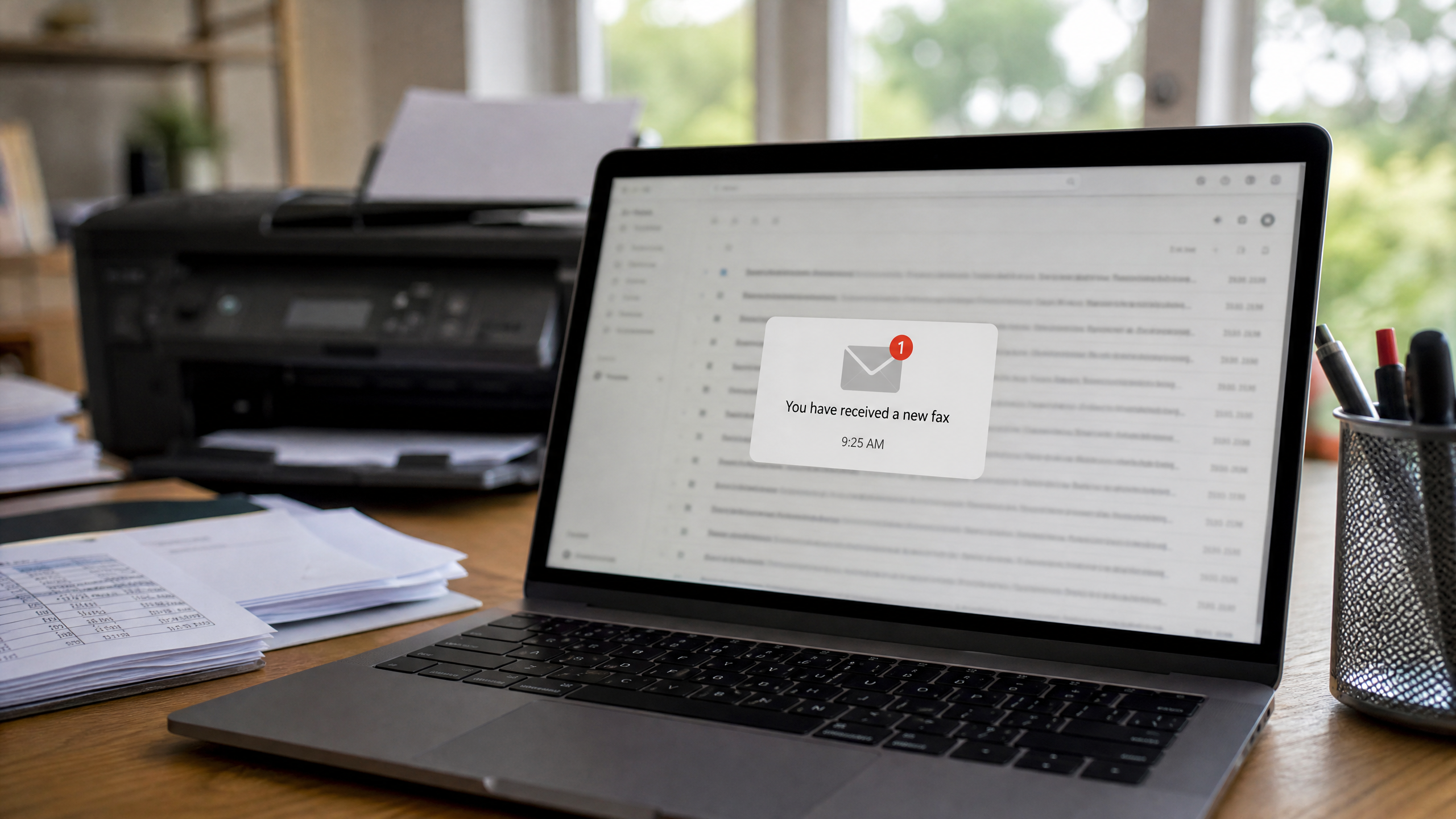
Receiving faxes is just as straightforward as sending them, provided you've set up a dedicated fax number with your provider.
Set Up a Fax Number
To receive fax to email, you need a virtual fax number — a standard 10-digit number that callers or other fax machines can dial. Your provider assigns this number and routes all incoming transmissions to your email address. The faxes arrive as PDF attachments, typically within seconds to a few minutes of transmission. Many services include caller ID data and timestamps in the email subject line or body, which is useful for recordkeeping.
Once your number is active, set up email filters or labels to route incoming faxes into a dedicated folder. You can also enable push notifications so urgent documents don't sit unread. For teams, most paid plans support routing different fax numbers to different team members or shared inboxes.
Free vs Paid Options
Receive fax to email free tiers exist across several providers, but they come with real limitations. Page counts are typically capped at 10–30 per month. Some services add visible watermarks to received documents, which is a problem if you're sharing them externally. Retention periods may be as short as 30 days before documents are purged from the provider's servers.
For occasional personal use, a free tier is perfectly adequate. For business use — especially in regulated industries — a paid plan is worth the investment.
Free vs Paid Fax via Email Options
Choosing between free and paid comes down to volume, compliance requirements, and professionalism.
Email to fax free and gmail fax free plans work well for low-volume, non-sensitive use cases: sending a signed form to a landlord, faxing a prescription request, or testing a new workflow. The tradeoffs are real, though. Watermarks, page caps, and limited support can create friction at exactly the wrong moment.
Paid plans typically start between $8 and $20 per month. They remove watermarks, increase monthly page allowances to 100–500 pages or more, add priority delivery queues, and provide reliable customer support. International fax rates and overage fees vary significantly between providers — compare those numbers carefully against your actual usage patterns.
Compliance is a non-negotiable factor for certain industries. Free google fax or fax online free google style tools generally lack the encryption standards, audit trails, and business associate agreements required for HIPAA compliance. If you're handling protected health information, financial records, or anything subject to GDPR, a compliant paid service isn't optional.
Choosing and Securing a Fax Service
Security and reliability deserve as much attention as features and pricing.
Encryption is table stakes. Confirm that your provider encrypts data both in transit (TLS) and at rest. Audit logs — records of every send, receive, and access event — are essential for compliance and incident response. Access controls matter too, especially for multi-user accounts where you need to limit which team members can view or send certain fax numbers.
Ask providers direct questions about data residency (where your faxes are physically stored), retention policies (how long they keep your documents), and certifications. HIPAA, SOC 2 Type II, and GDPR compliance aren't marketing checkboxes — they represent real, auditable commitments.
Beyond security, evaluate operational features. Number porting lets you keep an existing fax number when switching providers. API access enables automation — connecting fax functions to your CRM, ERP, or document management system. Multi-user management with role-based permissions is essential for growing teams.
Before rolling out any service company-wide, run a batch of test transmissions to real fax numbers and review the delivery reports. Reliability gaps show up in testing, not after you've migrated critical workflows.
Email-based fax services have matured into a genuinely capable solution. Whether you're sending a one-off document from Gmail or building an automated fax workflow for a regulated industry, the right setup gets you there without touching a single piece of hardware.